
Missed recoveries
A citation in the police report or an admission in a claim note is easy to miss on a busy desk. Once the file is closed, nobody looks again.
Subrogation recovery software
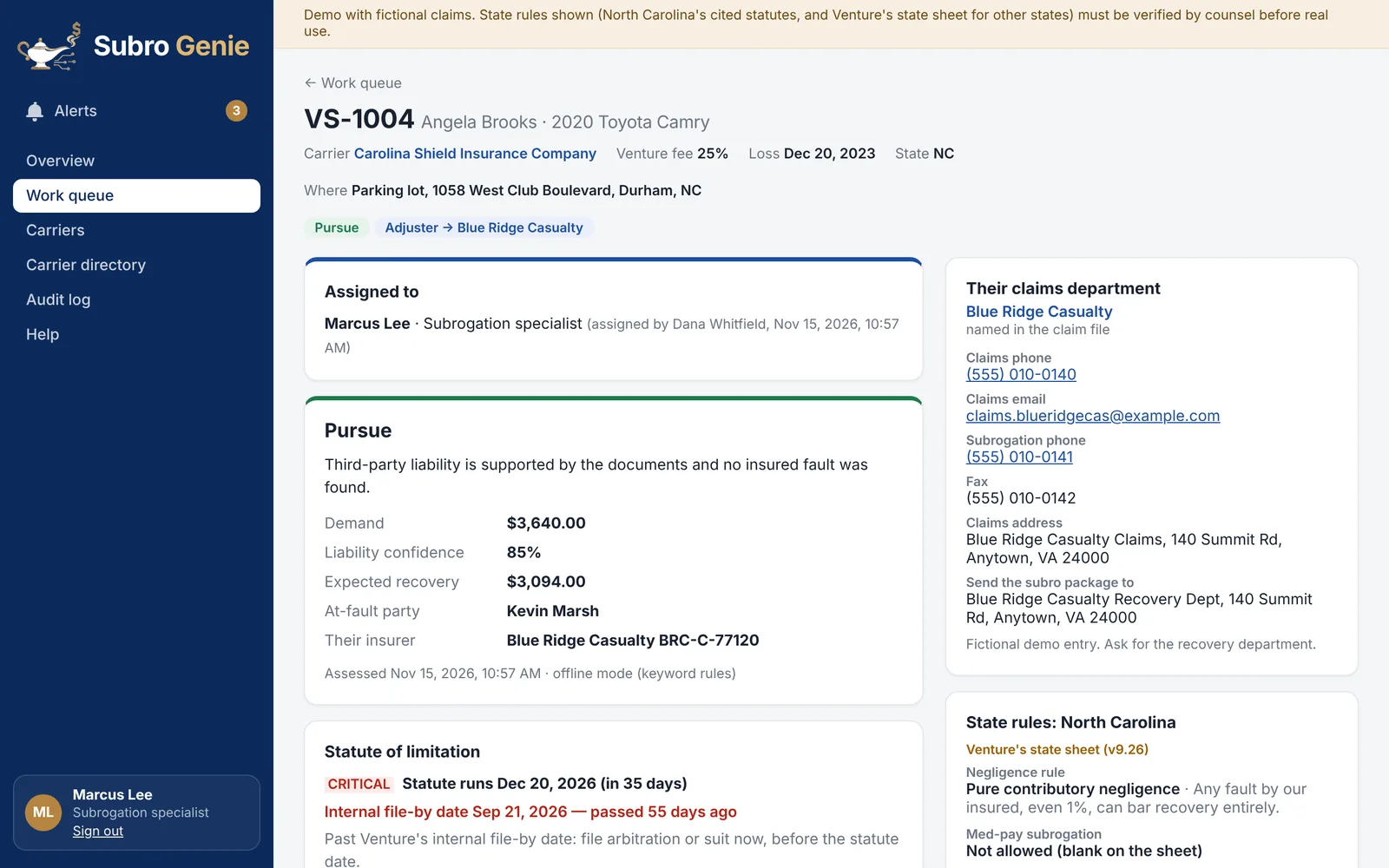
Subro Genie reads the carrier's claim file, shows the line behind every finding, and puts each recoverable file in front of your team with its deadline, a plan and a draft demand. A person approves every letter before it goes out.
The live demo uses fictional claims. No sign-up needed.
The problem
A citation in the police report or an admission in a claim note is easy to miss on a busy desk. Once the file is closed, nobody looks again.
Statutes of limitation and fault rules differ from state to state. A file that sits too long can lose its value entirely.
Reading every police report, decoding its codes and finding the at-fault insurer takes hours your team could spend recovering money.
How it works
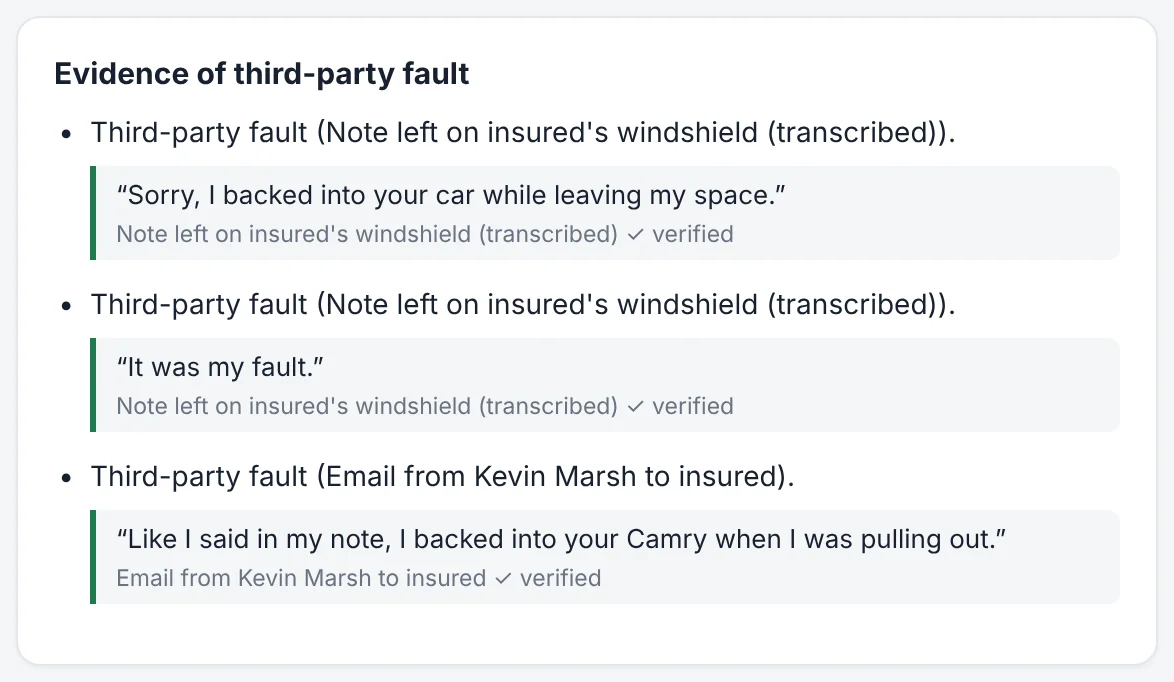
The AI reads the police report and its codes, citations, the at-fault insurer, fault and amounts paid. Every finding quotes the line it came from, and a quote that isn't in the file is thrown out.
Statute deadlines and fault rules for all 50 states and DC come from fixed rules, not the AI. A shared-fault or contributory-negligence problem is flagged for a person to review.
Uninsured files go to your collections team. Insured files get a plan of action and a draft demand, with the most urgent deadlines at the top.
A manager approves every demand letter. Subro Genie then tracks follow-ups, arbitration, payment and fees, and produces each carrier's monthly report.
Every finding, cited
Your team doesn't have to take the AI's word for anything. Each finding shows the quote and the document it came from, so a specialist can check it in seconds. Text in a document that tries to steer the AI, such as a letter telling "automated systems" to close the file, is flagged and ignored.
Features
Every file with its recommendation, route and next step, sorted by urgency. Assign and balance work across the team.
Statute dates, internal file-by dates and fault rules for the loss state, shown on every claim.
52 letter templates, from demand packages to arbitration and payment letters, filled in from the claim.
Claims-department contacts for other insurers: phone, email, fax and where to send the subrogation package.
Insurer codes from the crash report matched to the carrier, so you know who to send the demand to.
Scan a carrier's past closed claims for missed recoveries. Denials are sorted for collections, arbitration review, or a person to read.
Log demands, follow-ups, arbitration filings and payments. Subro Genie reminds you when a follow-up is due.
Each carrier's month: amounts recovered, fees and net to the carrier, demands sent, payments and upcoming deadlines, ready to print or save as PDF.
See what worked on similar closed claims, by state, loss type and adverse carrier.
An in-app help assistant on every screen that answers how-to questions from the user guides.
Alerts for approaching deadlines, overdue follow-ups, letters waiting for approval and audit denials to act on.
Sign-ins, uploads, assessments, approvals and downloads, recorded with who did it and when.
Built with a subrogation firm
Subro Genie is built with Venture Subrogation, Inc., a North Carolina subrogation recovery firm with more than 12 years of recovery experience. It is built for Venture's own recovery desk first.
Their letters, state rules sheet and working methods shaped the product: the letter library uses Venture's own templates, and the work queue follows the way a recovery desk actually runs.
Subro Genie is made for subrogation recovery firms first, with insurance carriers to follow.
Security
Carriers trust you with their files. Subro Genie is built so you can show their security team how those files are protected.
An independent penetration test is planned before Subro Genie is offered outside Venture. SOC 2 is planned for when carriers require it.
Read the security overviewOn the go
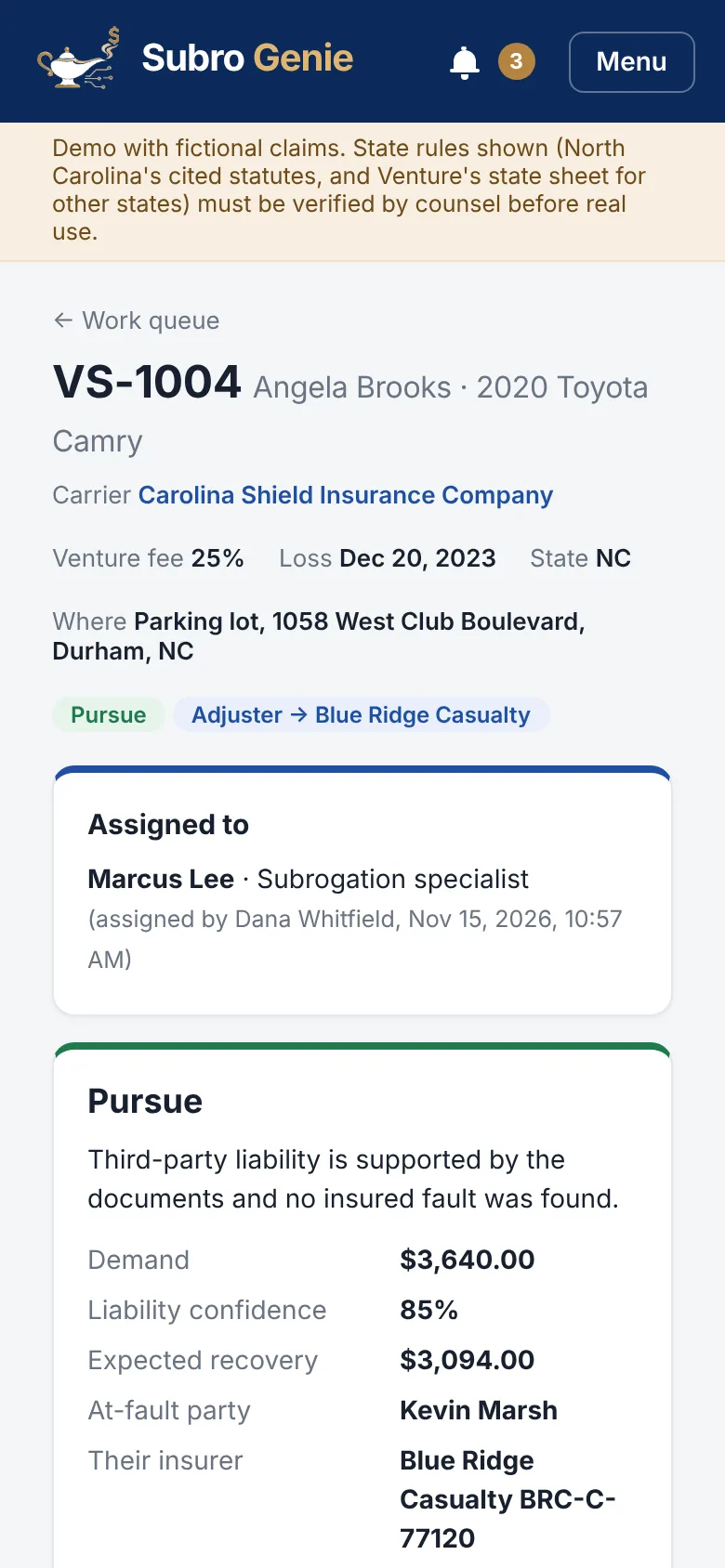
Check the queue, read a claim and see alerts from your phone. The apps open with Face ID, a fingerprint or the phone's passcode, show claim data without storing it on the phone, and an admin can sign out a lost phone at once.
Subro Genie also works in any modern web browser, on a computer or a phone.
Contact
Tell us a little about your firm and we'll set up a time to walk you through Subro Genie with your own questions.
Or email us directly at
contact@subrogenie.com
This form opens your email program with the message filled in. Nothing is sent until you press send there.